
Video Editing for Absolute Beginners
Course Description
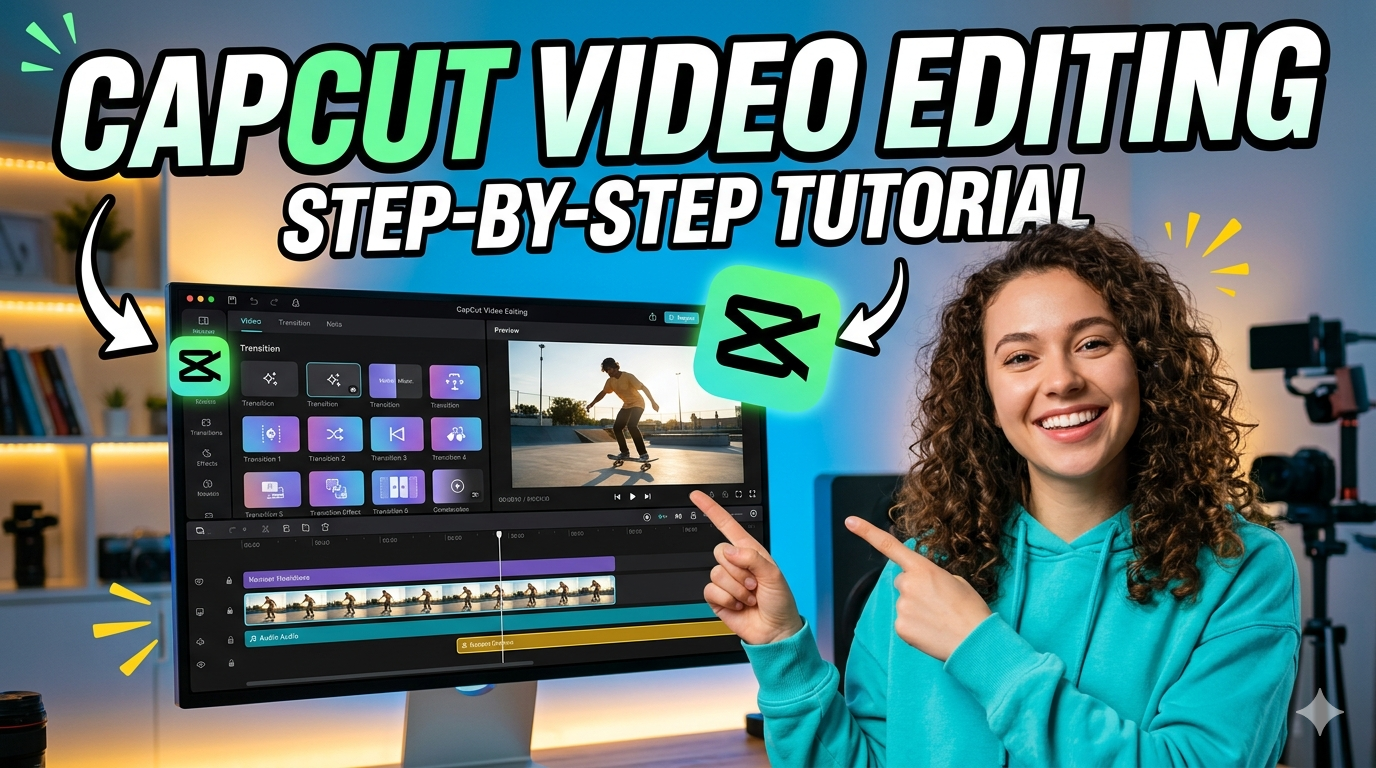
This course introduces beginners to video editing using Capcut. Learners are guided through the essential tools and workflows needed to edit videos, add effects, enhance audio, and export polished final projects suitable for social media and professional use.
This course provides a step-by-step introduction to video editing for beginners using Capcut. It begins with the basics of navigating the interface, importing media, and organizing project files. Learners explore essential editing techniques such as trimming, cutting, splitting, arranging clips on the timeline, and applying transitions to create smooth, engaging sequences. The course also covers text overlays, motion graphics, filters, color enhancement, and audio cleanup to help learners produce visually appealing and well-balanced videos. Students are introduced to Capcut built-in templates, effects, and royalty-free resources to speed up the editing process. Additional lessons include adding background music, adjusting sound levels, and exporting videos in high-quality formats optimized for various platforms. By the end of the course, participants gain the confidence to edit complete video projects efficiently and develop the foundational skills needed for content creation, social media production, and beginner-level video editing work.
Requirements
What You Will Learn
Course Modules
Video
Introduction to video editing
Video
Wondershare Filmora Overview
Video
Importing Media
Video
Media properties edit
Video
Trimming & Splitting
Video
Transition
Video
Adding Text to the video
Video
Handling Audio
Video
Filters & Effects
Video
Chroma Keys & Keyframes

Victor Ikechukwu
Expert Instructor
Student Reviews
No Reviews Yet
Be the first to review this course!
One-time payment